Idea
Project / Explainable calculators
Calculators with Why buttons.
The Why button shows how a result was calculated: its inputs and formulas, taken from the compiled program, with the values from the current run.
Tap the calculator, then press Why beside Amount left over.Press Why beside Amount left over. Then move the Guests slider and press it again.
You can inspect or edit the Bosatsu source in Code & run below and run it in your browser.
If you use a coding agent on this computer, and ask it what the Why panel says.
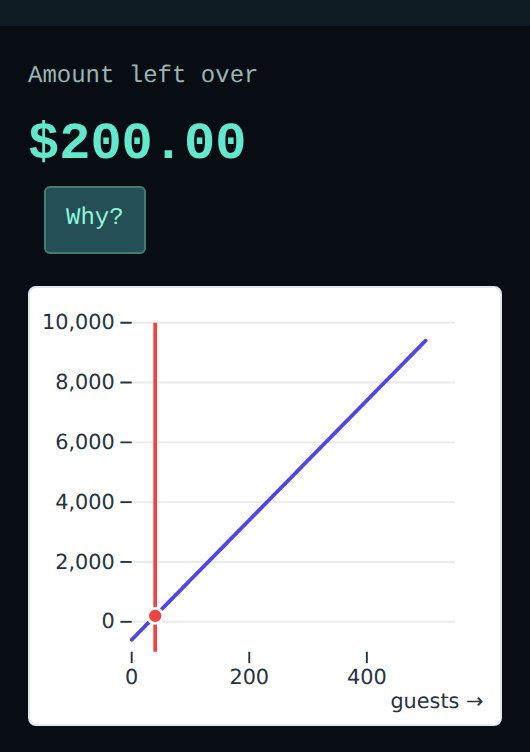
This is a picture of the calculator. Press it to open the live calculator.
From a small program to an explanation
Press Why on a number to see how it was worked out.
When an agent builds you a calculator or a report, you get numbers back. To trust them you need to know how each one was worked out. Which inputs fed it? Which formula? Did it use the value you think it used?
The model is written in Bosatsu, a typed functional programming language. Each result in this calculator has a Why? button. It shows the formula, the values that went into it, and the source line it came from. The author supplies formulas, controls, and labels. Yichus builds the explanation’s structure from the compiled formulas; running the calculator fills in the values. These lines are the calculation behind the example above:
  revenue = int_to_Float64(guests) * int_to_Float64(ticket_price)
  guest_cost = int_to_Float64(guests) * int_to_Float64(cost_per_guest)
  total_cost = int_to_Float64(fixed_cost) + guest_cost
  balance = revenue - total_cost
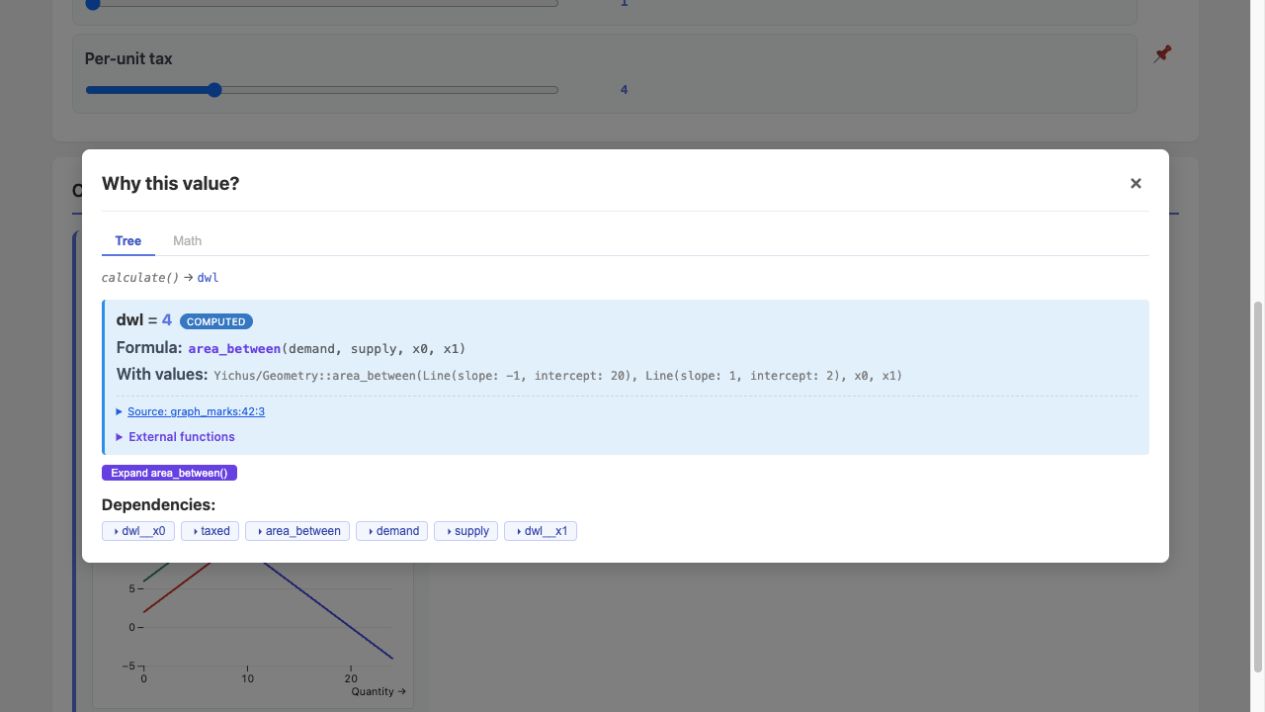
Charts work the same way. The market calculator draws supply and demand lines, and Why explains the shaded deadweight-loss area between them.
Code & run Read, edit, and compile the complete calculator
Start with a question of your own
Budget an event, size a rainwater tank, scale a recipe, or explore a market model. Each example declares its controls and outputs using Yichus’s calculator library, which generates the page and its Why explanations. Change the source when the built-in inputs no longer describe your question.
The calculations are illustrative models. Why explains what the program computed; it does not establish that the model describes the real world correctly.
All Yichus projects · Work with your agent